
Best Drain Camera With Locator: What to Buy for Real Pipe Repairs
 Michael Carter
0 comments
Michael Carter
0 comments
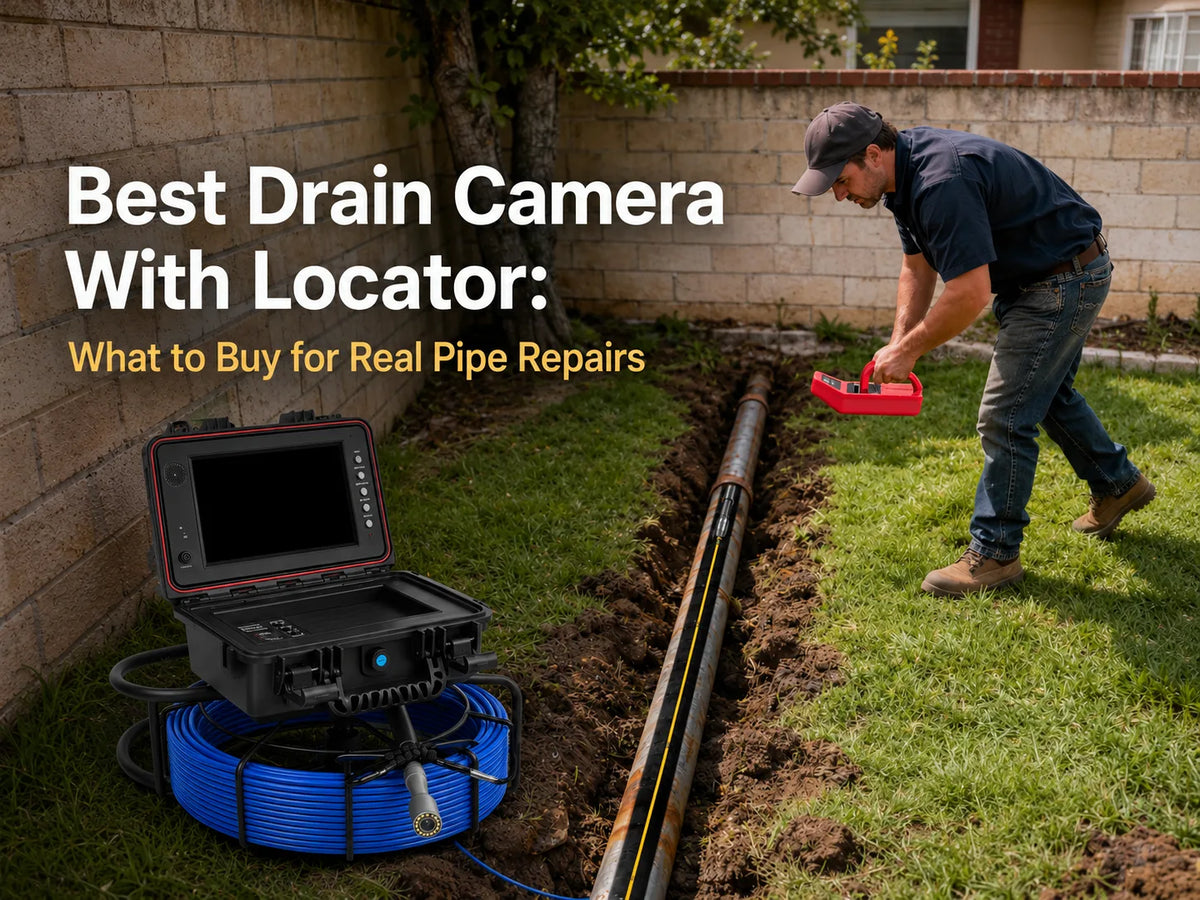
The right drain camera with locator matches the pipe access, inspection distance and documentation need, then pairs a 512Hz sonde with a compatible receiver. Do not assume that “512Hz” means the receiver is included: Powerwill offers configurations with and without the receiver. PW9D1 is the compact 5 mm-cable family with 65, 100 and 165 ft choices; PW9D2 uses a 7 mm cable with 100, 165, 200 and 230 ft choices plus distance-counter options. Select the exact variant only after checking the bundle contents on the product page.
Quick answer: what should you buy?
Buy a camera-and-locator combination only when the inspection result must be connected to a point above ground. If you only need to view an accessible short drain, a camera without the receiver may be enough. When location matters, confirm that the selected configuration includes a 512Hz sonde in or near the camera head and a receiver that can detect 512Hz.
| Use case | Start with | Verify before ordering |
|---|---|---|
| Accessible residential drains | Compact push cable and the shortest adequate supplied length | Access opening, bends, locator option and receiver inclusion |
| Longer residential or repeat service work | Longer reel, recording and optional counter | Exact cable length, counter choice and locator bundle |
| Report-oriented professional work | Recording, counter and keyboard features | Workflow fit, included components and service parts |
The goal is not to buy the largest kit. It is to choose a system that can reach the intended route without turning an optional feature into an assumed one. Use the Powerwill product finder for a first pass, then verify the exact product variant.
↑ Back to topHow a camera with locator works
A camera supplies the picture; a sonde and receiver supply the locating signal. RIDGID’s official 512Hz remote-transmitter page describes a sonde that can be attached to a drain-cleaning cable or water-jet hose so its position can be located in a line. In a camera system, the transmitter sits in or close to the camera head, while the receiver is used above ground.
Confirm both parts of the 512Hz workflow
The transmitter and receiver must use a compatible frequency. A product option labeled “with 512Hz locator” may include the receiver, but a listing that only says “512Hz sonde” may describe the transmitter alone. Powerwill PW9D1 and PW9D2 currently offer separate configurations with and without a locator receiver, which is why the selected option matters.
Treat the location as inspection evidence
Stop the camera at the point of interest, keep the head still and locate the signal from above ground according to the receiver instructions. A distance counter, when present, is useful for noting insertion distance, but it is not the same as surface locating. NASSCO describes camera inspection as part of a condition-assessment process that records pipeline conditions using a consistent approach. That principle matters even outside formal coding: keep the footage, insertion note and surface mark tied to the same observation.
Inspection note: A camera documents visible conditions; it does not clear a blockage or guarantee a diagnosis. Use appropriate access and qualified help when the route or repair decision is uncertain.
Match the drain camera to the job
Start with access, bends and distance before comparing screens or accessory lists. A supplied cable length is not a promise of usable reach. Pipe condition, changes in direction, debris and push-cable behavior all affect how far the head can travel.
Compact residential inspection
PW9D1’s current product data lists a 9-inch IPS display, self-leveling camera and 5 mm semi-rigid cable. Current variants cover 65, 100 and 165 ft and are offered with or without a 512Hz locator receiver. That makes it a sensible comparison point for buyers prioritizing a smaller push cable and several residential-length options. It does not mean the camera will pass every trap or sharp turn.
Longer and repeat service work
PW9D2’s current product data lists a 9-inch IPS display, self-leveling camera and 7 mm cable. Its current variants cover 100, 165, 200 and 230 ft, with choices for locator receiver and distance counter. Buyers who expect longer routes or want insertion-distance notes should compare these configurations, while still checking whether the cable and camera head suit the access point.
Documentation-heavy work
Powerwill PW10DX1 and PW10DZ currently list 10-inch monitors, distance counters, keyboards and self-leveling in their product titles. PW10DX1 variants include 200 and 246 ft choices with or without a locator receiver; PW10DZ variants include 196 and 245 ft choices. Those facts make them candidates for teams that want longer supplied cables and on-site documentation features, not automatic replacements for access planning.
↑ Back to topCurrent Powerwill options to compare
Compare product families by verified current configuration, not by a single default price. Powerwill product pages can contain many variants, and locator inclusion changes by selection. Open the exact product page and review the selected option in the cart.
| Product family | Current verified facts | Best comparison question |
|---|---|---|
| PW9D1 | 9-inch IPS display; self-leveling; 5 mm cable; 65, 100 or 165 ft; locator receiver optional by configuration | Do you need a compact cable and which supplied length covers the route? |
| PW9D2 | 9-inch IPS display; self-leveling; 7 mm cable; 100, 165, 200 or 230 ft; locator and distance-counter choices | Do you need longer reach, a counter, a receiver, or all three? |
| 7DVE | 7-inch IPS display; self-leveling; 100 ft; variants with or without a 512Hz locator receiver | Is a 100 ft 7-inch system the right size for the routine job? |
| PW10DX1 | 10-inch monitor; distance counter; keyboard; self-leveling; 200 or 246 ft; receiver optional by configuration | Do reporting features and the larger reel fit the work process? |
| PW10DZ | 10-inch monitor; distance counter; keyboard; self-leveling; 196 or 245 ft; receiver optional by configuration | Which cable length and locator selection are actually required? |
For a narrower residential comparison, browse Powerwill drain cameras. For the broader category, browse Powerwill sewer camera systems. These pages serve different search roles, but the final decision still belongs at the product-variant level.
↑ Back to topWhat to verify before checkout
Use a short checklist before ordering so a feature label does not become an incorrect assumption. The same product family may have several cable, locator and counter combinations.
- Confirm the access point. Record the opening, route, likely bends and approximate inspection distance.
- Select the exact cable length. Treat the listed length as supplied cable, not guaranteed push distance.
- Verify sonde and receiver. If surface locating is required, confirm that the chosen variant includes both components needed for the workflow.
- Check the distance-counter choice. Select it only if insertion-distance notes are part of the inspection record.
- Review the cart line. Make sure the option text matches the intended cable, receiver and counter combination before payment.
Also review the current product documentation and included-items section. If a configuration is unclear, ask Powerwill support to confirm the exact bundle rather than inferring it from a collection card or headline.
↑ Back to topKey takeaways
- Choose locating only when the camera finding must become an above-ground location. A visual-only inspection may not require a receiver.
- Confirm both parts of the system. A 512Hz sonde transmits the signal, while a compatible receiver detects it.
- Match the push cable and supplied length to the route. More cable does not guarantee more usable reach through bends or debris.
- Compare PW9D1 for a 5 mm cable and PW9D2 for a 7 mm cable with more length and counter choices. Use the exact current variant data.
- Check the cart before payment. Locator receiver, distance counter and cable length can change with the selected configuration.
Frequently asked questions
What is a drain camera with locator?
It is a pipe-inspection camera system that combines video with a sonde signal that a compatible receiver can detect above ground. The camera and locating functions are related but separate.
Does every camera with a 512Hz sonde include the receiver?
No. A product may include the transmitter but sell the receiver separately or only in selected bundles. Powerwill PW9D1 and PW9D2 have current variants with and without a locator receiver, so check the selected option.
Is a plumbing camera with locator different from a drain camera with locator?
The terms often describe the same workflow. “Plumbing camera” usually emphasizes repeat service use, while “drain camera” may be used by both homeowners and professionals. Access, cable, distance and documentation needs matter more than the label.
Do I need a distance counter if I have a locator?
Not necessarily, because the tools answer different questions. A counter records insertion distance along the cable; a receiver helps find the sonde from above ground. Some workflows benefit from both.
Which Powerwill camera should I compare for residential drains?
Start with PW9D1, 7DVE and PW9D2. Compare the 5 mm PW9D1 cable, the 100 ft 7DVE format and the longer 7 mm PW9D2 options against the actual access and route. Confirm receiver inclusion on the chosen variant.
Can a camera tell me exactly what repair to make?
No. It documents visible conditions and can support a repair decision, but access limits, hidden conditions and operator interpretation still matter. Use qualified professional judgment when the finding or repair scope is uncertain.
Choose the complete workflow, not one feature
The best camera with locator is the one whose access, push cable, supplied length, video and locating components fit the same job. Begin with the route, then compare Powerwill’s current PW9D1, PW9D2, 7DVE and 10-inch systems without treating a default price or headline as the whole configuration.
Ready to compare? Browse current Powerwill drain cameras, then select the exact cable, receiver and counter options you need.
↑ Back to top
Comments
No comments