Skip to content
US | EN
Select Language
Country / Region
MY POWERWILL 0
US | EN
Select Language
Country / Region
Support & Resources
Warranty Registration
Resources / Home Inspectors

See the condition.
Tell the whole story.

From the first access check to the client handoff. A practical resource for planning, recording and explaining a sewer scope.

Review the scope checklist
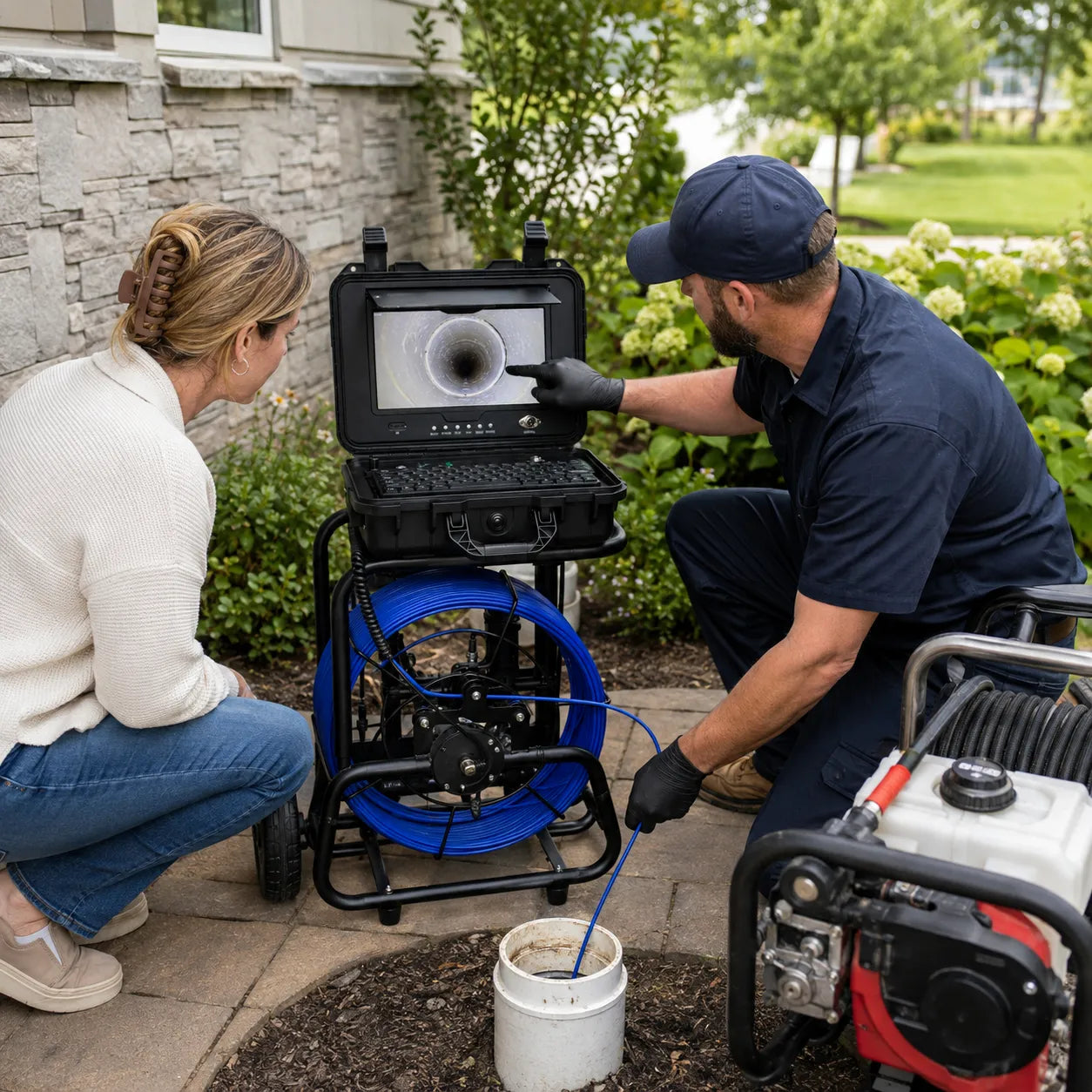
Plumber demonstrating a Powerwill PW10DZ sewer camera during a home inspection
SEWER SCOPE & REPORTING
02

Explain the findings

Connect visible observations to their location in the recording and describe the limits of the inspection.

Read the report guide →

A practical sewer scope workflow

  1. Agree the scope. Confirm permission, accessible entry points, the intended route and what recording and reporting are included.
  2. Check before insertion. Follow the equipment instructions, confirm access is suitable, and record and replay a short test clip.
  3. Document what is visible. Record the entry point, inspected route, notable observations and any section the camera cannot reach or see clearly.
  4. Review before handoff. Check file playback. Pair observations with relevant timestamps and distinguish cable distance from confirmed surface location.
  5. Explain the limits. Separate observations from suspected causes and identify when further assessment is needed.

A sewer scope is a visual assessment of accessible areas. It does not establish watertightness, hidden wall condition or remaining service life. Follow the applicable inspection agreement and local requirements.

Turn a recording into a useful client record

Keep the original video and an index of notable timestamps. Include the access point, direction of travel, visible condition, inspection limitations and recommended follow-up.

Example wording for a limited view

“Standing water obscured the lower portion of the pipe in this recorded section. The submerged surface was not visible; the cause and pipe slope were not established by this view.”

Illustrative reporting language, not a finding from a customer inspection.

Explore how inspection reports are read →

Inspection record: what to capture

Use this field list alongside your agreed inspection scope. It is a working record, not a certification or a completed inspection report.

Inspection context
Date, inspector, reference number, client agreement and access permission.
Access and route
Entry point, direction, intended endpoint and endpoint actually reached.
Video reference
Original filename and timestamps for each notable observation.
Visible findings
Describe what the image shows; distinguish observed conditions from suspected causes.
Position information
Note whether a value is cable travel or a receiver reading, and how it was obtained.
Limits and follow-up
List uninspected or obscured areas, why they were inaccessible, and recommended further assessment.

See how clients read these records →

Client handoff checklist

  • Verify that the delivered recording opens and plays.
  • Provide a short index linking key observations to video timestamps.
  • Explain both the inspected route and the sections you could not assess.
  • Avoid predicting pipe lifespan or confirming a repair method from incomplete footage.
  • Retain the original files according to the inspection agreement and your record-handling policy.

Equipment does not provide professional qualifications. Confirm the requirements applicable to the service you offer. Repair pricing and underground utility clearance are separate from a visual scope.

Choose equipment around your workflow

Compare camera access and reach first, then recording, file handoff and any locating requirement. Confirm the contents of the selected variant before ordering.

For inspection scope and limitations, see InterNACHI’s sewer-scope standard →.

Let’s find the right next step.

Have your model or inspection requirements ready.

Talk to Powerwill ↗

Compare products

{"one"=>"Select 2 or 3 items to compare", "other"=>"{{ count }} of 3 items selected"}

Select first item to compare

Select second item to compare

Select third item to compare

Compare