$372.95

Find the cable length, screen and locating features you need.


Try a higher budget or fewer features.
Prices are in USD and reflect matching configurations. Cable length is the supplied cable length; usable reach depends on the pipe and access.
A drain camera helps you inspect an accessible pipe from a cleanout or other suitable entry point and record what is visible inside. This collection is for shoppers using terms such as drainage camera and drain inspection camera, with emphasis on residential drains, property maintenance and routine service work rather than the broadest sewer-camera category.
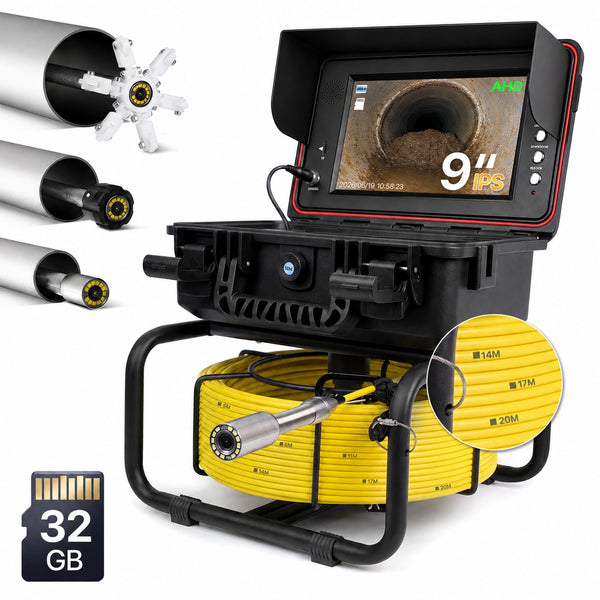
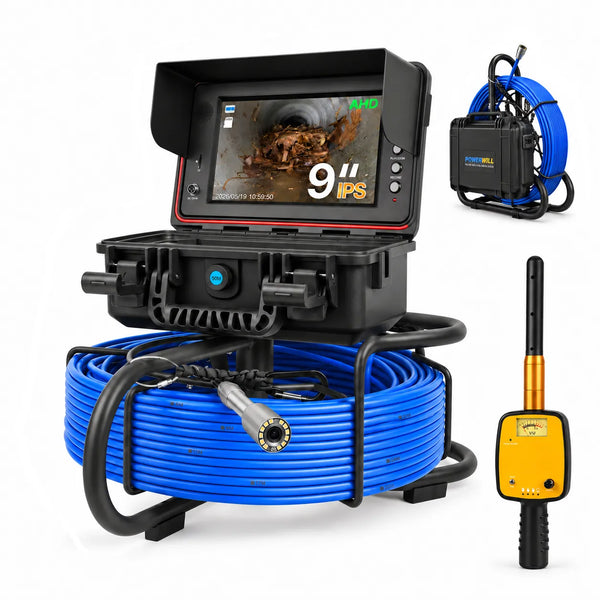
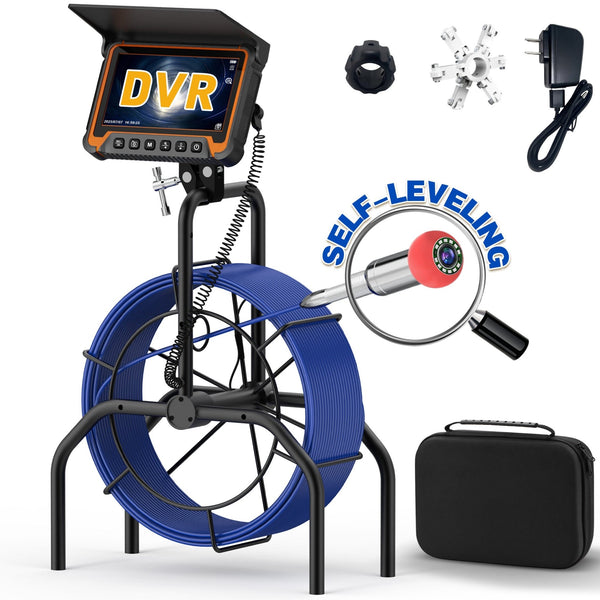
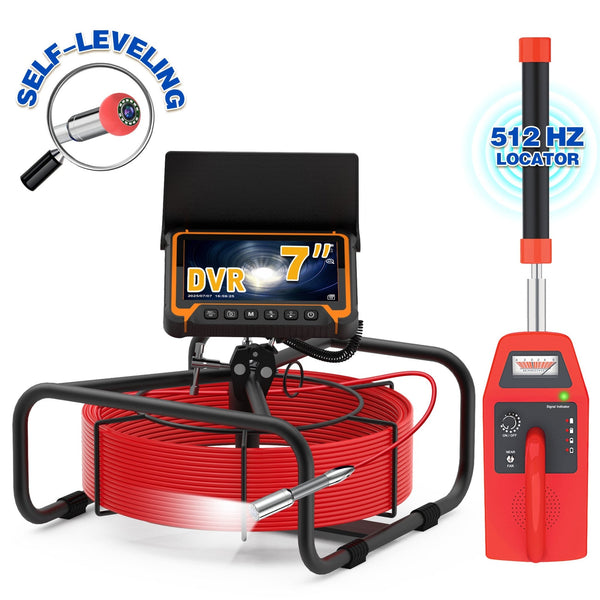
Choose the system around the route you actually need to inspect. Start with access size, bends and expected distance. Powerwill PW9D1 has a 9-inch IPS display, a self-leveling camera, a 5 mm semi-rigid cable and 65, 100 or 165 ft options. PW9D2 uses a 9-inch IPS display and a 7 mm cable, with 100, 165, 200 and 230 ft options. Both product families offer configurations with and without a 512Hz locator receiver, while PW9D2 also offers distance-counter choices. These are product-page facts, not a promise that either system will pass every bend.
If a visible finding must be matched to an above-ground location, read the drain camera with locator guide. For longer professional runs and report-oriented workflows, compare the professional sewer inspection camera collection. Always confirm the exact bundle, included receiver and current availability on the product page. Match the tool to real access.
To compare the complete range across inspection tasks, browse Powerwill sewer camera systems and verify the configuration on each product page.
No. A camera shows and records visible conditions. Cleaning or repair requires the appropriate tool and, when needed, a qualified professional.
The terms overlap, but this page focuses on accessible drain inspection and residential or routine service use. The sewer camera page is the broader commercial category.
Choose a locator configuration when the camera-head position must be marked above ground. Confirm that both the 512Hz sonde and receiver are included in the selected bundle.
{"one"=>"Seleccione 2 o 3 artículos para comparar", "other"=>"{{ count }} de 3 artículos seleccionados"}
Seleccione el primer artículo para comparar
Seleccione el segundo artículo para comparar
Seleccione el tercer elemento para comparar