
How to Properly Clean a Sewer Camera
 Michael Carter
0 comments
Michael Carter
0 comments
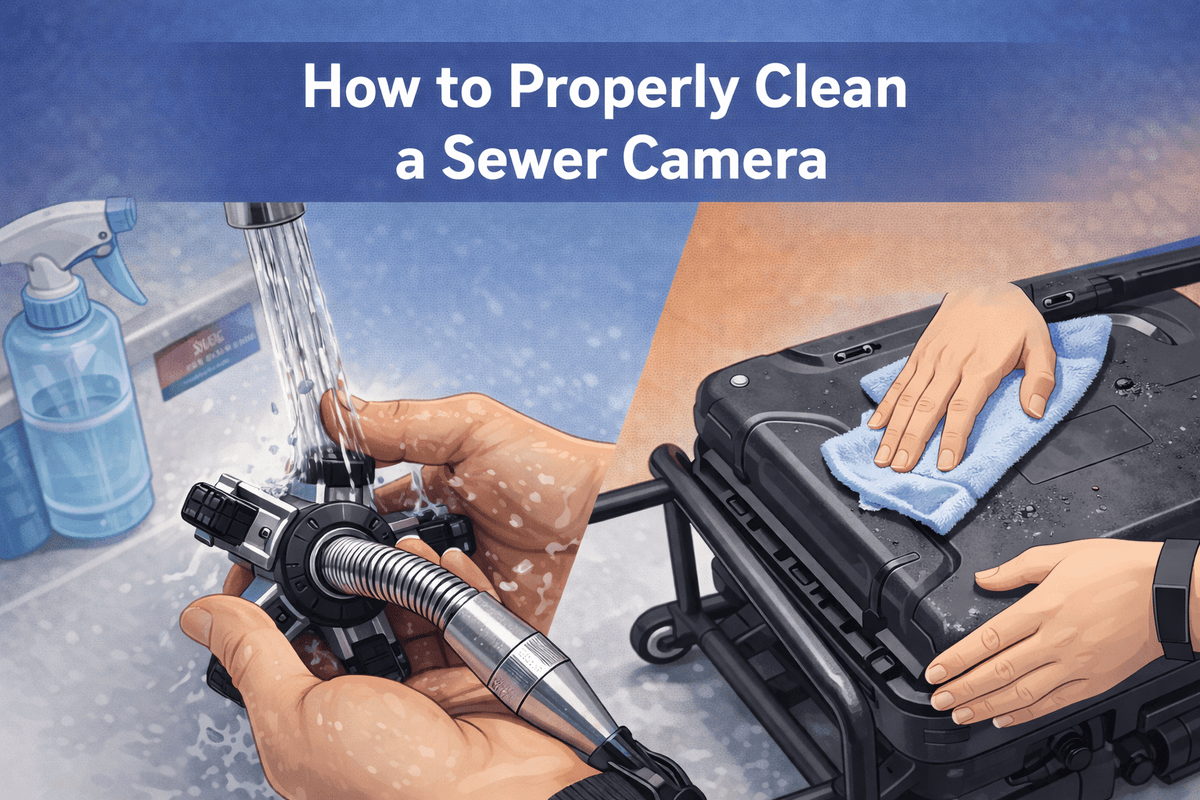
Table of Contents:
- Why Clean Sewer Cameras?
- Step-by-Step Guide to Safely Clean a Sewer Camera
- What to Avoid During Cleaning
- How to Store a Sewer Camera
- Conclusion
- FAQ
Why Clean Sewer Cameras?
A sewer camera often moves from one contaminated line to another. If not cleaned properly, you risk transferring grease, pathogens, and unpleasant odors from one job to the next. Regular cleaning of your sewer camera ensures it operates effectively and extends its lifespan. It also helps to maintain sanitary conditions for future inspections.
Here are some key benefits of cleaning your sewer camera:
- Maintains image quality: Dirt and residue on the lens can degrade image clarity, making it hard to see details.
- Prevents cross-contamination: Disinfection helps eliminate pathogens and smells from your equipment.
- Extends service life: Moisture buildup on connectors and seals can cause corrosion and damage.
- Reduces callbacks: Clear optics help ensure accurate readings, which reduces the need for re-inspections.

Step 1: Remove Debris
Wear protective gloves and safety glasses. Use a soft brush or plastic scraper to remove any mud, grease, root hair, or paper fibers from the camera head and cable. If the lens or cable is heavily soiled, rinse off debris with clean water.
Step 2: Rinse
Use warm water with a small amount of mild dish detergent to gently clean the camera head and cable. Avoid using high-pressure water or strong solvents, as these could damage the seals or lens coatings.
Step 3: Disinfect
After cleaning the surface, apply a compatible disinfectant, such as 70% isopropyl alcohol or diluted bleach (1,000 ppm). Spray or wipe it evenly, ensuring the surfaces remain wet for at least 1-10 minutes for proper contact time.
Step 4: Wipe Down
Use a clean microfiber cloth or lens tissue to wipe away any residue, ensuring the surfaces are streak-free. Gently polish the lens with fresh tissue for a spotless finish.
Step 5: Dry
Allow the camera and cable to air-dry in a well-ventilated area, or use a cool, low-speed airflow to speed up the drying process. Avoid using heat, as it can damage seals or cause internal moisture buildup.
Step 6: Lubricate Seals
Apply a thin layer of silicone grease to the O-rings or moving joints to maintain their waterproofing and flexibility. Clean metal connectors with an electronic contact cleaner and ensure they are completely dry before reassembling.
Step 7: Air and Store
Once completely dry, store your equipment in a dry, sealed storage box or cabinet with desiccant packs (like silica gel) to absorb moisture. Keep the cable loosely coiled and cap the lens to protect it from dust and debris.
Step 8: Preventive Inspection
While cleaning, inspect your camera for any potential issues, including:
- Scratches or haze on the lens/dome
- Missing sealant or corrosion on the LEDs
- Cuts, blisters, or kinks in the cable jacket
- Corrosion or bent pins in connectors
- Moisture around the monitor/DVR slots
What to Avoid During Cleaning
- Pressure washing: Never pressure wash the monitor, connectors, seams, or transmitter housings, as water can bypass the seals.
- Harsh solvents: Avoid acetone, MEK, lacquer thinner, or abrasive pads on the lens or cable.
- Directly soaking or spraying: Don’t soak the control box/monitor or spray directly into vents and ports.
- Bleach or alcohol on rubber seals: These chemicals can degrade elastomers and lens coatings.
- Storing damp equipment: Closing the case while damp promotes corrosion and bad odors.
- Using the cable as a drain snake: The cable is meant for imaging, not for clearing blockages. Pushing it through clogs can damage the cable.
- Forcing tight bends: Avoid forcing the cable into sharp angles, as it can create permanent kinks.
How to Store a Sewer Camera
Proper storage is crucial to maintaining your camera’s performance. After cleaning, store the equipment in a cool, dry location. Ensure the cable is wound according to the spool's natural direction to avoid reverse twisting or tight bends. Keep it away from hot areas like trunk compartments or direct sunlight, as high temperatures can damage the cable sheath and degrade adhesives.
If the camera will not be used for an extended period, power it on for 10 minutes every month to maintain the sensitivity of the contacts and detect any faults early.
Conclusion
Regular cleaning of your sewer camera after each job ensures high-definition image quality, prevents cross-contamination, reduces odors, and extends the camera’s lifespan. By following a simple cleaning routine—removing debris, disinfecting, rinsing, drying, lubricating seals, and storing correctly—you can keep your equipment in top condition for accurate, reliable inspections.
FAQ
1. How Often Should I Clean the Camera?
Clean the camera after every sewer or drain job. Even quick checks leave residue behind, and regular cleaning prevents buildup and odors.
2. Do I Need to Disinfect Every Time?
Yes, disinfect after each sanitary line job. Disinfection reduces pathogens and odors, while wiping alone removes dirt.
3. Can I Pressure-Wash the Reel to Save Time?
No, avoid pressure-washing bearings, seams, and connectors, as water can infiltrate these areas.
4. My Image Looks Foggy After Cleaning. What Happened?
This could be due to trapped moisture or a film on the dome. Re-clean the dome and let it dry completely with cool airflow. If fogging persists inside the dome, stop using the camera and let it dry fully.
5. The Unit Still Smells After Cleaning. Any Fix?
After cleaning, use an enzyme cleaner or oxygen-based deodorizer on the cable jacket and reel frame (avoid the lens and seals). Make sure to dry everything thoroughly before storage.
By making cleaning a routine part of your sewer camera maintenance, you'll avoid costly repairs and improve the quality of your inspections.
Comments
No comments